
Payment Reconciliation for Processors: Matching Settlements, Fees and Chargebacks
Posted on:
November 16, 2026
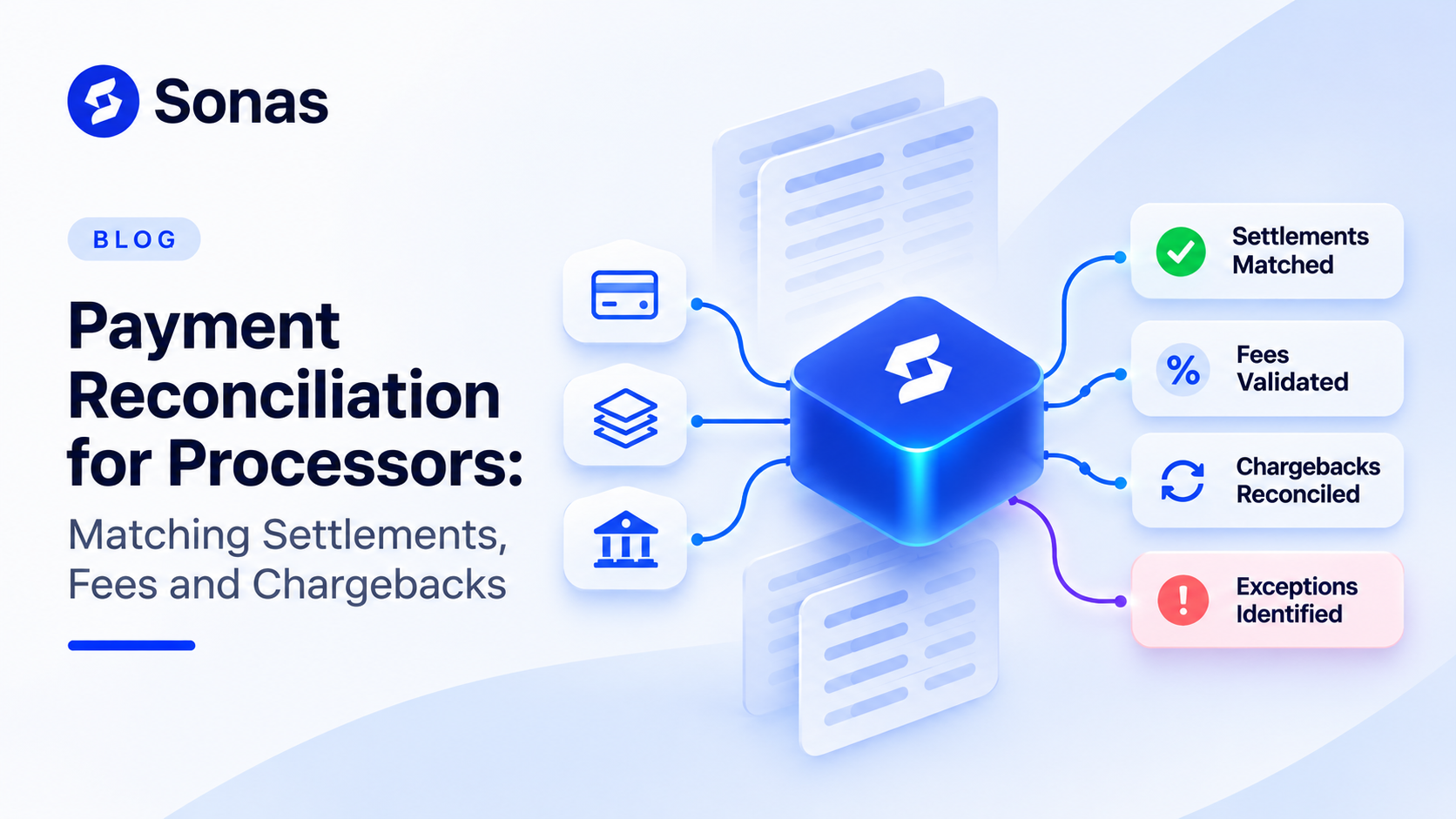
Most guides to payment reconciliation arewritten for merchants: why the deposit in the bank is smaller than the salesreport, and how to match the two at month end. For a transaction processor thejob looks very different. You are not checking one payout. You are matchingmillions of transactions from several card schemes and suppliers, calculatingfees that differ by merchant, and allocating the results back to the rightaccounts, every day.
This guide looks at payment reconciliationfrom the processor's side. It covers why reconciliation has to runcontinuously, the three problems that make matching hard (timing, fees andchargebacks), and what to look for in payment reconciliation software built forthat volume.
What payment reconciliation means for a processor
Payment reconciliation is the process ofconfirming that every transaction recorded in one source matches the sametransaction in another: the switch or host log, the card scheme settlementfiles, supplier files and the bank statement. Anything that does not matchbecomes an exception to investigate.
For a merchant this is a periodic check ontheir own payouts. For an ATM or card processor it is different in threeways:
· Volume. Processors handle transactionsfor many merchants or ATM estates at once, so the number of records to match isfar higher.
· Multiple sources. Data arrives fromseveral card schemes (such as Visa and Mastercard), suppliers and banks, eachwith its own file format and schedule.
· The processor calculates the fees. Amerchant checks whether fees were charged correctly. A processor applies thefees itself, often at different rates for each merchant, so the calculation ispart of the reconciliation.
Many processors still have little or nostructured reconciliation in place. Matching is done in spreadsheets, or onlywhen a merchant raises a query. That works at low volume, but it leaves gapsthat grow with every new merchant or scheme.
Why processor reconciliation has to be continuous
At processor volumes, reconciliation is nota month-end exercise. It is an ongoing cycle. New files arrive throughout theday, settlements post on different schedules and disputes can be raised weeksafter the original transaction.
The practical answer is to connect datasources through APIs or scheduled file imports, and let matching run in thebackground as data arrives. Staff then spend their time on the exceptions thatneed judgment, rather than on matching records that agree. That shift is themain benefit of automation in reconciliation.
Continuous reconciliation also catchesproblems earlier. A missing settlement file or a fee error found on the sameday is a quick fix. Found at month end, it can mean unpicking thousands ofrecords.
Problem 1: Timing differences break matching
One of the most common reasons transactionsfail to match has nothing to do with the amount. A transaction can matchperfectly on value and still be flagged because of timing. This happens at twolevels.
Transaction-level timing
The same transaction is often logged withslightly different timestamps in two files. The ATM or terminal records onetime, the host records another a few seconds or minutes later. A strict matchon date and time would treat these as two different transactions.
Reconciliation software handles this with atolerance window: if the value, card and terminal details agree and thetimestamps fall within a set range, the records are matched.
File-level timing
Files also cover different periods. Onesource might send a file covering midday to midday, while another covers 4pm to4pm. A transaction near the cut-off can appear in today's file from one sourceand tomorrow's file from the other.
If the engine treats that transaction asunmatched straight away, staff waste time investigating something that willresolve itself. A better approach is for the engine to wait for the next filebefore flagging the item as an exception.
Getting these two tolerances right removesa large share of false exceptions, which is where most manual reconciliationtime goes.
Problem 2: Fees across schemes and merchants
Fees are where processor reconciliationgets complicated. A simple example shows the basic issue: a transaction of $100may settle at $95, because $5 in fees has been deducted in the settlement file.Matching gross to net needs the fee calculation built into the reconciliation,not done afterwards in a spreadsheet.
For processors the real complexity isconsolidation and allocation. A processor receives transactions from severalcard schemes and suppliers, combines them, applies fees that can differ foreach merchant, and allocates the results back to the right merchants, often ina single file. Each of those steps is a point where a record can go wrong.
A common approach is to reconcile at twolevels:
· Lump sum to detail. Match a single feeline on the bank statement against the transaction file that shows the feeapplied to each transaction.
· Merchant by merchant. Confirm that thefees allocated to each merchant add up to what was charged in total, and thateach merchant's rate was applied.
Fee validation against contracted rates isgood practice for any payment business. It means checking that the rateactually charged matches the rate agreed in each contract, and flaggingdifferences. For processors, whose margins depend on these rates, it is worthbuilding into the regular reconciliation cycle.
Problem 3: Chargebacks and disputes
A chargeback is a reversed transaction. AnATM customer says the machine didn't dispense their cash, or a cardholderdisputes a purchase. The principle is the same for ATM and card transactions:money moves back after the original transaction has already settled.
Chargebacks reach the reconciliation in twoways:
· As a discrepancy. The chargeback showsup in the data as extra money or a negative figure that doesn't match anything.This goes into an exceptions investigation process to find the originaltransaction and the cause.
· As a direct claim. The chargeback issubmitted directly, and is handled as a claim with defined investigation steps.This often needs supporting information from third parties, such as theacquirer, the ATM operator or the cash-in-transit company.
Chargebacks can be reconciled within themain reconciliation or as a separate reconciliation. Either works, as long aseach chargeback is linked back to the original transaction and its outcome isrecorded.
Deadlines matter here. Each card schemesets its own dispute rules and time limits (Visa's Dispute Management Guide for Merchants is auseful reference). In the US, consumer claims about electronic fund transfers,including ATM withdrawals, follow the error-resolution timelines in Regulation E. For ATM processors, that makesfast investigation of ATM cash discrepancies a compliance issue aswell as a cost issue.
What to look for in payment reconciliation software
Payment reconciliation for processors isnot simple one-to-one matching. Once you deal with timing differences, feecalculations, chargebacks and discrepancies, the software needs a mechanism foreach. A useful checklist:
· Continuous, automated matching that runsas data arrives, not as a manual batch job.
· Data connections through API integrationfor real-time reconciliation, plus file uploads for sources that only sendfiles.
· Timing tolerances at both transactionlevel (timestamp differences) and file level (different batch windows).
· Calculations inside the reconciliation, sogross and net amounts can be matched with fees accounted for.
· Exceptions management with a clearinvestigation workflow, ownership and an audit trail.
· Claims handling for chargebacks anddisputes, including a way for third parties to supply information.
· Reporting on match rates, openexceptions and how long they take to resolve.
If a tool can only match records that agreeexactly on value and time, it will produce more exceptions than your team caninvestigate at processor volumes.
How Sonas approaches processor reconciliation
Sonas Systems builds reconciliation andcash management software for high-volume operations. For processors, therelevant parts are:
· Reconciliation engine: continuousmatching with transaction-level and file-level timing tolerances, andcalculations within reconciliations so fees can be accounted for. See the Sonas reconciliation engine.
· Exceptions management: an investigationworkflow for discrepancies that the engine can't match.
· Claims management: defined investigationsteps for chargebacks and disputes, with a restricted-access portal so thirdparties can supply information and claims are resolved faster. See case and claims management.
· Data inputs: CSV and Excel file uploads,and API integration for real-time, automated reconciliation.
If you are reconciling processor data inspreadsheets today, see how Sonas works for payment processing.
Frequently asked questions
What is payment reconciliation software?
Payment reconciliation softwareautomatically matches transaction records from different sources, such asswitch logs, card scheme settlement files and bank statements, and flags anythat don't match as exceptions to investigate.
How is reconciliation different for payment processorsthan for merchants?
Merchants check their own payouts, usuallyperiodically. Processors reconcile high volumes from multiple card schemes andsuppliers continuously, calculate fees that differ by merchant, and allocatesettlements back to each merchant.
Why do transactions fail to match even when the amountsagree?
Usually because of timing. The sametransaction can carry slightly different timestamps in two files, or fall intodifferent batch windows. Timing tolerances at transaction and file level letthese records match.
How are chargebacks handled in reconciliation?
A chargeback either appears as adiscrepancy, which goes into exceptions investigation, or is submitted directlyas a claim with its own investigation steps. In both cases it should be linkedback to the original transaction.